
E-Commerce
Canva vs Adobe: Best Design Software for E-commerce Brands in 2026

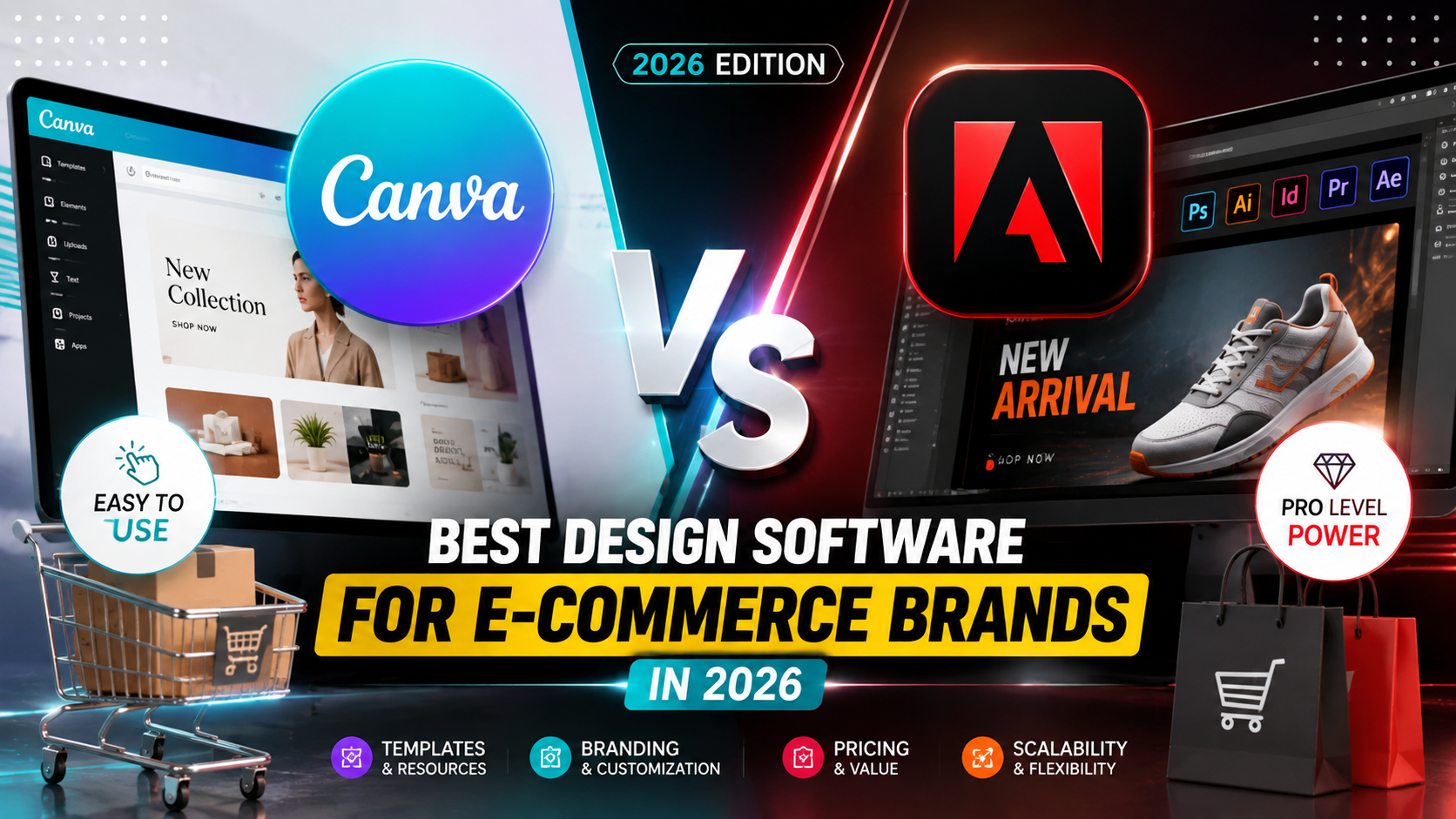
E-commerce brands live and die by visual content — product photos, ad creative, listing graphics, social media assets — and the design software you choose to produce it has a direct impact on both your output speed and your bottom line. Canva and Adobe (primarily Photoshop, Illustrator, and Express) represent two fundamentally different philosophies: one built for speed and team collaboration, the other built for precision and professional-grade control. Choosing the wrong one for your team’s actual workflow can quietly cost you hours every week or thousands of dollars a year in unnecessary subscription costs.
This comparison breaks down exactly where Canva wins, where Adobe wins, and how to think about the decision based on your team size, design skill level, and content volume. If you’re running a lean e-commerce operation trying to maximize output without a full-time designer, or you’re scaling toward a dedicated creative team, the right answer genuinely differs — and we’ll help you land on it.
What E-commerce Brands Actually Need From Design Software
Before comparing features, it’s worth being clear about what matters for e-commerce specifically: fast turnaround on templated content (product listings, ad variations, seasonal promos), brand consistency across a growing catalog, and the ability for non-designers on marketing or operations teams to produce usable assets without bottlenecking on a single creative resource. This is a different use case than agency-level brand design work, and it changes which tool actually makes sense.
Canva was essentially built around this exact use case — templated, collaborative, fast — while Adobe’s tools were built for professional designers who need granular control over every pixel, layer, and color profile. Neither approach is “better” in the abstract; it depends entirely on your team’s skill level and output needs.
Where Canva Wins for E-commerce
Canva’s core strength is speed and accessibility. Its drag-and-drop interface means marketing managers, social media coordinators, or founders without design training can produce professional-looking assets in minutes rather than hours. The template library is specifically strong for e-commerce use cases — product mockups, Instagram and TikTok ad formats, email banners, and Amazon listing graphics are all readily available and easy to customize on brand.
Canva’s Best Features for E-commerce Teams
- Brand Kit – Lock in brand colors, fonts, and logos so every team member’s output stays consistent
- Bulk creation tool – Generate dozens of product variation graphics from a single template and a data set
- Team collaboration – Real-time multi-user editing without file-passing or version conflicts
- Built-in stock and AI image tools – Reduces dependency on separate stock photo subscriptions
- Magic Resize – Instantly reformat one design across every platform’s required dimensions
Where Adobe Wins for E-commerce
Adobe’s advantage shows up when brand quality and technical precision matter — professional product photography retouching, print-ready packaging design, or highly customized ad creative that needs to stand out in a crowded feed. Photoshop and Illustrator offer far more granular control over color accuracy, layering, and file formats needed for professional print and high-resolution digital advertising, which matters more as a brand scales and competitors’ creative quality rises.
Adobe’s Best Features for E-commerce Teams
- Advanced photo retouching (Photoshop) – Professional-grade product photo editing beyond what template tools offer
- Vector design precision (Illustrator) – Essential for logos, packaging, and print materials that need to scale cleanly
- Adobe Express – A faster, Canva-competitive layer within the Adobe ecosystem for quicker turnaround needs
- Color and file format control – Critical for brands managing print production alongside digital assets
- Firefly AI generative tools – Increasingly competitive AI image generation integrated directly into the professional workflow
Head-to-Head Comparison
| Factor | Canva | Adobe (Photoshop/Illustrator/Express) |
|---|---|---|
| Learning curve | Low — usable by non-designers | Moderate to steep — designed for trained users |
| Speed for templated content | Very fast | Slower without templates |
| Professional-grade editing | Limited | Extensive |
| Team collaboration | Strong, built-in | Requires Creative Cloud team plans |
| Best for | Lean teams, rapid content, social/ad creative | Brands needing high-end product photography and print design |
| Typical monthly cost (team plan) | Lower | Higher |
| AI generative tools | Included, consumer-friendly | Included (Firefly), more professional-grade control |
How to Decide: A Simple Framework
- If you’re a solo founder or small team producing high-volume social and ad content → Canva is almost certainly the better fit, both for cost and speed
- If you have a dedicated designer producing product photography, packaging, or print materials → Adobe’s professional tools justify the higher cost and learning curve
- If you’re scaling and need both → Many e-commerce brands run a hybrid stack: Adobe for core brand assets and product photography, Canva for day-to-day marketing content produced by non-designers
- If budget is the primary constraint → Canva’s lower cost per seat makes it easier to give broader team access without ballooning your software spend
The Hybrid Approach Most Scaling Brands End Up Using
In practice, a large share of growing e-commerce brands don’t pick one exclusively — they use Adobe for foundational brand assets (logo, packaging, professional product photography) created by a trained designer, then hand those brand assets off to a marketing team using Canva to rapidly produce day-to-day content within brand guidelines. This hybrid model captures Adobe’s quality ceiling while keeping Canva’s speed advantage for the high-volume content that actually drives daily sales.
Migration Considerations if You’re Switching Tools
If you’re currently on one platform and considering a switch, plan for a realistic transition period rather than expecting an overnight cutover. Moving from Adobe to Canva typically means rebuilding brand templates from scratch, since file compatibility between the two ecosystems is limited — Canva can import some Adobe file formats but doesn’t preserve complex layer structures or advanced effects. Moving from Canva to Adobe usually means investing in actual design training for team members used to drag-and-drop simplicity, since Adobe’s tools have a genuinely steeper learning curve that can temporarily slow content output during the transition. Budgeting a few weeks of reduced content velocity during any platform migration, and rebuilding your core brand templates early in that window, will minimize the disruption to your regular content cadence.
Frequently Asked Questions
Can I fully replace Adobe with Canva for an e-commerce brand?
For many lean, social-and-ad-content-focused brands, yes — Canva’s Pro and Teams tiers now cover the vast majority of daily content needs. Where it typically falls short is high-end product photo retouching and packaging design that requires the granular control Photoshop and Illustrator offer, which is why brands with heavier print or premium photography needs usually still keep some Adobe access.
Is Adobe Express a real alternative to Canva within the Adobe ecosystem?
Yes, and it’s closed much of the speed gap that used to favor Canva exclusively. Adobe Express gives teams already invested in the Adobe ecosystem a faster, more accessible tool without needing to also pay for a separate Canva subscription, though its template library and community content are still generally smaller than Canva’s.
How many seats do most small e-commerce teams actually need on either platform? This depends heavily on how many people are producing content versus just reviewing it. A common pattern is giving edit access to 2-4 core content creators while others use view/comment access, which keeps subscription costs proportional to actual content production needs rather than total headcount.
Does using Canva’s AI tools raise any copyright concerns for commercial e-commerce use?
Both platforms have addressed this to varying degrees with commercial usage licensing built into their paid tiers, but policies and legal protections continue to evolve. It’s worth reviewing each platform’s current commercial usage terms for AI-generated content specifically, rather than assuming standard stock image licensing terms automatically apply.
Final Thoughts
Neither Canva nor Adobe is objectively better for e-commerce brands — the right choice depends on your team’s design skill, content volume, and how much of your visual output needs professional-grade polish versus fast, on-brand templated content. Most lean, high-velocity e-commerce operations lean toward Canva for daily output, while brands investing heavily in premium product photography and packaging will find Adobe’s precision worth the steeper learning curve and cost.
Which tool does your e-commerce team currently rely on, and have you found a hybrid workflow that works better than picking just one? Let us know in the comments.
Discover more from The Economy
Subscribe to get the latest posts sent to your email.


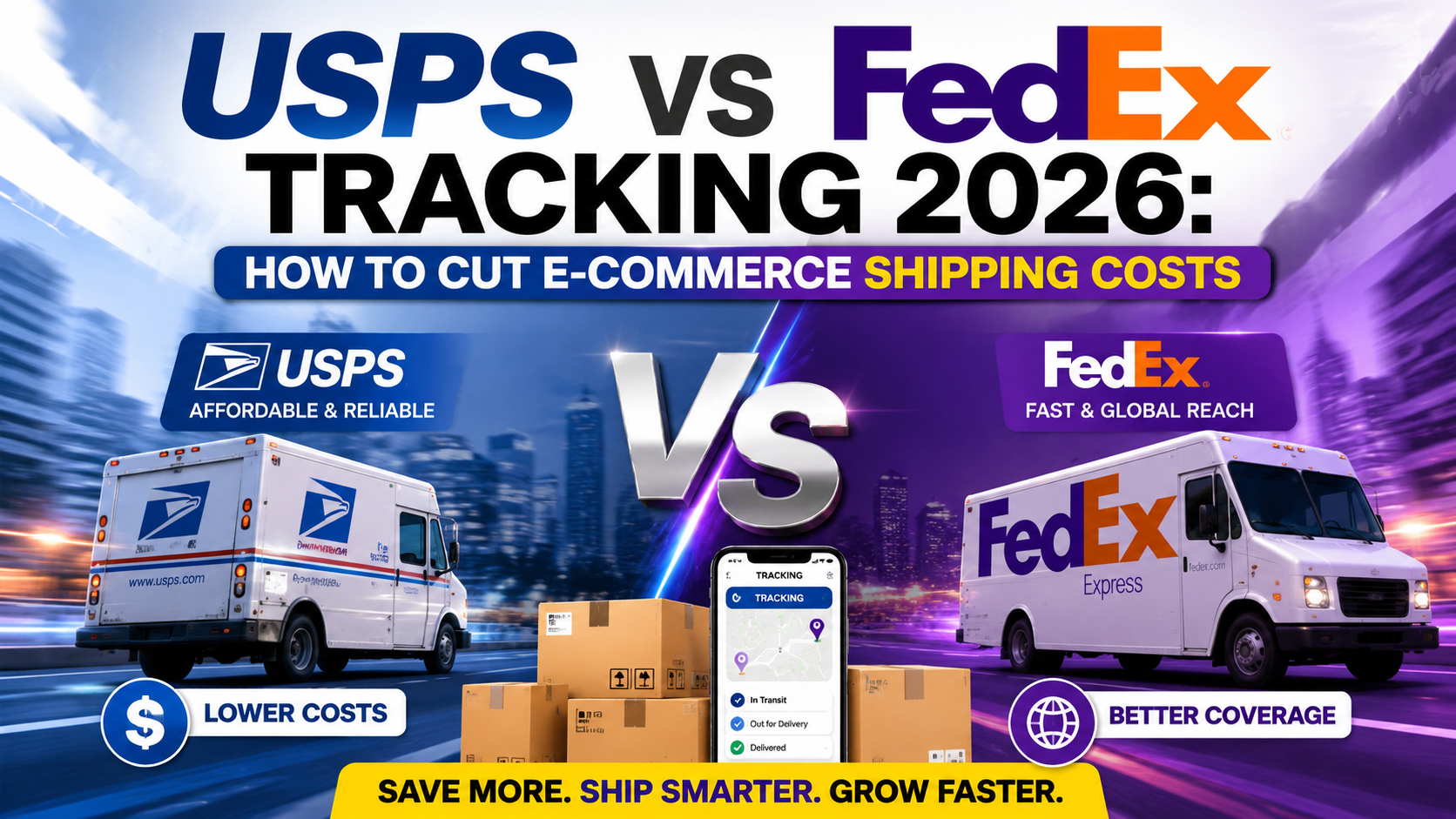
Shipping is often the single largest variable cost line item for e-commerce businesses after cost of goods sold, and in 2026 rising carrier rates, expanded surcharges, and increasingly complex tracking requirements have made it harder than ever to manage that cost effectively without a deliberate strategy. Between USPS and FedEx’s differing rate structures, dimensional weight pricing, and the operational overhead of managing tracking and delivery expectations across both carriers, many growing e-commerce brands are overpaying without realizing it.
This guide breaks down how USPS and FedEx tracking and pricing actually work in 2026, where the meaningful cost differences lie between the two carriers, and specific, actionable strategies e-commerce businesses can use to reduce their overall shipping spend without sacrificing delivery speed or customer experience. If shipping costs have been quietly eating into your margins, this is where to start.
USPS vs. FedEx: Understanding the Core Differences
USPS generally holds a meaningful cost advantage for lightweight packages and residential deliveries, particularly through services like USPS Ground Advantage and Priority Mail, which remain competitively priced against FedEx’s comparable ground and express options. FedEx tends to pull ahead on heavier packages, time-definite delivery guarantees, and business-to-business shipments where its more robust tracking infrastructure and delivery reliability commitments carry real value for high-stakes shipments.
[INSERT IN-CONTENT AD HERE]
Neither carrier is universally cheaper — the right choice depends heavily on package weight, dimensions, delivery speed requirements, and destination mix, which is exactly why most scaling e-commerce operations end up using both carriers strategically rather than committing exclusively to one.
How Tracking Technology Has Changed Cost Management
Both USPS and FedEx have expanded their tracking and delivery data infrastructure significantly, and for e-commerce businesses, this isn’t just a customer service convenience — it’s a genuine cost management tool. More granular tracking data helps identify delivery exceptions, failed delivery attempts, and address-correction issues earlier, all of which reduce the reshipping costs and customer service overhead that quietly erode margins when problems go unnoticed until a customer complains.
How Better Tracking Data Directly Reduces Costs
- Earlier exception detection – Catching delivery issues before they become costly customer service escalations
- Address validation integration – Reducing failed delivery attempts and costly address-correction surcharges
- Delivery performance benchmarking – Identifying which carrier and service level actually performs best on your specific shipping lanes
- Reduced “where is my order” support volume – Proactive tracking notifications cut down on customer service ticket volume
- Data-driven carrier negotiation – Detailed shipping data strengthens your negotiating position for volume-based rate discounts
Where Businesses Overspend on Shipping Without Realizing It
Several cost leaks show up repeatedly across e-commerce shipping operations, and most are fixable with better process design rather than requiring a full carrier switch.
[INSERT IN-CONTENT AD HERE]
Common Shipping Cost Leaks
- Dimensional weight surprises – Packages billed by dimensional weight rather than actual weight, often due to oversized packaging for the product
- Surcharge accumulation – Fuel, residential delivery, and peak season surcharges stacking without being actively monitored or negotiated
- Default service level overuse – Defaulting to expedited shipping when standard delivery would meet customer expectations at a lower cost
- Manual label errors – Address or weight input errors leading to costly post-shipment adjustment fees
- Underutilized carrier discounts – Not leveraging third-party shipping software that aggregates volume discounts across multiple sellers
USPS vs FedEx: Quick Cost and Use-Case Comparison
| Factor | USPS | FedEx |
|---|---|---|
| Best for | Lightweight, residential packages | Heavier packages, B2B, time-definite delivery |
| Typical cost advantage | Small/light packages | Larger, heavier shipments |
| Tracking granularity | Strong, improved in recent years | Very strong, industry-leading |
| Delivery guarantees | Limited | Stronger money-back guarantees on express services |
| Surcharge complexity | Lower | Higher, more surcharge categories |
| Best use case | High-volume small parcel e-commerce | Business shipments, larger or urgent packages |
Practical Strategies to Cut Shipping Costs in 2026
- Audit your packaging dimensions – Right-sizing packaging is often the single fastest way to avoid unnecessary dimensional weight charges
- Use multi-carrier shipping software – Platforms that compare live rates across USPS, FedEx, and other carriers per shipment can meaningfully reduce average cost per package
- Negotiate rates based on actual volume data – Both carriers offer negotiated rates for qualifying volume; many small-to-mid businesses never ask
- Set smarter default service levels – Reserve expedited shipping for genuinely time-sensitive orders rather than defaulting to it across your catalog
- Monitor surcharge line items monthly – Regularly reviewing your carrier invoices for surcharge creep prevents it from becoming a silent margin drain
- Consider regional carriers for specific zones – Regional carriers can sometimes undercut both USPS and FedEx for concentrated delivery areas
Building Shipping Cost Analysis Into Your Regular Operations
The businesses that consistently keep shipping costs under control treat carrier invoice review as a recurring operational task rather than an occasional project. Setting a monthly cadence to review your average cost per shipment, surcharge line items, and service-level mix against the prior month creates an early warning system for cost creep before it compounds across an entire quarter. This is particularly important heading into peak shipping seasons, when both USPS and FedEx typically implement temporary peak surcharges that can meaningfully affect your margins if you haven’t adjusted pricing or service-level defaults in anticipation. Building this review into your existing monthly financial close process, rather than treating it as a separate initiative, makes it far more likely to actually happen consistently rather than falling by the wayside during busy periods.
Frequently Asked Questions
Is it worth using a third-party shipping software platform instead of booking directly with USPS or FedEx? For most growing e-commerce businesses, yes. Multi-carrier shipping platforms aggregate volume discounts across many sellers, provide real-time rate comparison at the point of label creation, and reduce the manual overhead of managing rates and tracking across multiple carrier accounts separately.
How much can right-sizing packaging actually save on shipping costs? The savings vary by product and current packaging inefficiency, but dimensional weight charges can add a meaningful percentage to a shipment’s cost when packaging is oversized relative to the actual product. Businesses that conduct a packaging audit often find multiple SKUs where a smaller box size would meaningfully reduce their per-shipment cost.
Do regional carriers actually offer better rates than USPS or FedEx? In specific, concentrated delivery zones, yes — regional carriers can sometimes undercut national carriers meaningfully for last-mile delivery within their coverage area, though their service areas are more limited. This makes them a useful supplement rather than a full replacement for businesses shipping nationally.
How often should I renegotiate my carrier rates? Reviewing your rates at least annually, and any time your shipping volume changes meaningfully, is a reasonable cadence. Carriers periodically update their base rates and surcharge schedules, and your negotiated discount tier may be eligible for improvement as your volume grows, but this rarely happens automatically without you initiating the conversation.
Final Thoughts
Cutting shipping costs in 2026 isn’t about picking a single “cheaper” carrier — it’s about matching the right carrier and service level to each shipment’s actual weight, dimensions, and delivery urgency, then using tracking data proactively to prevent costly delivery exceptions before they happen. E-commerce businesses that treat shipping as an actively managed cost center, rather than a fixed line item, consistently find meaningful savings without sacrificing the delivery experience customers expect.
What’s been your biggest shipping cost surprise this year — dimensional weight, surcharges, or something else entirely? Share what’s worked to bring your costs down in the comments.
Discover more from The Economy
Subscribe to get the latest posts sent to your email.
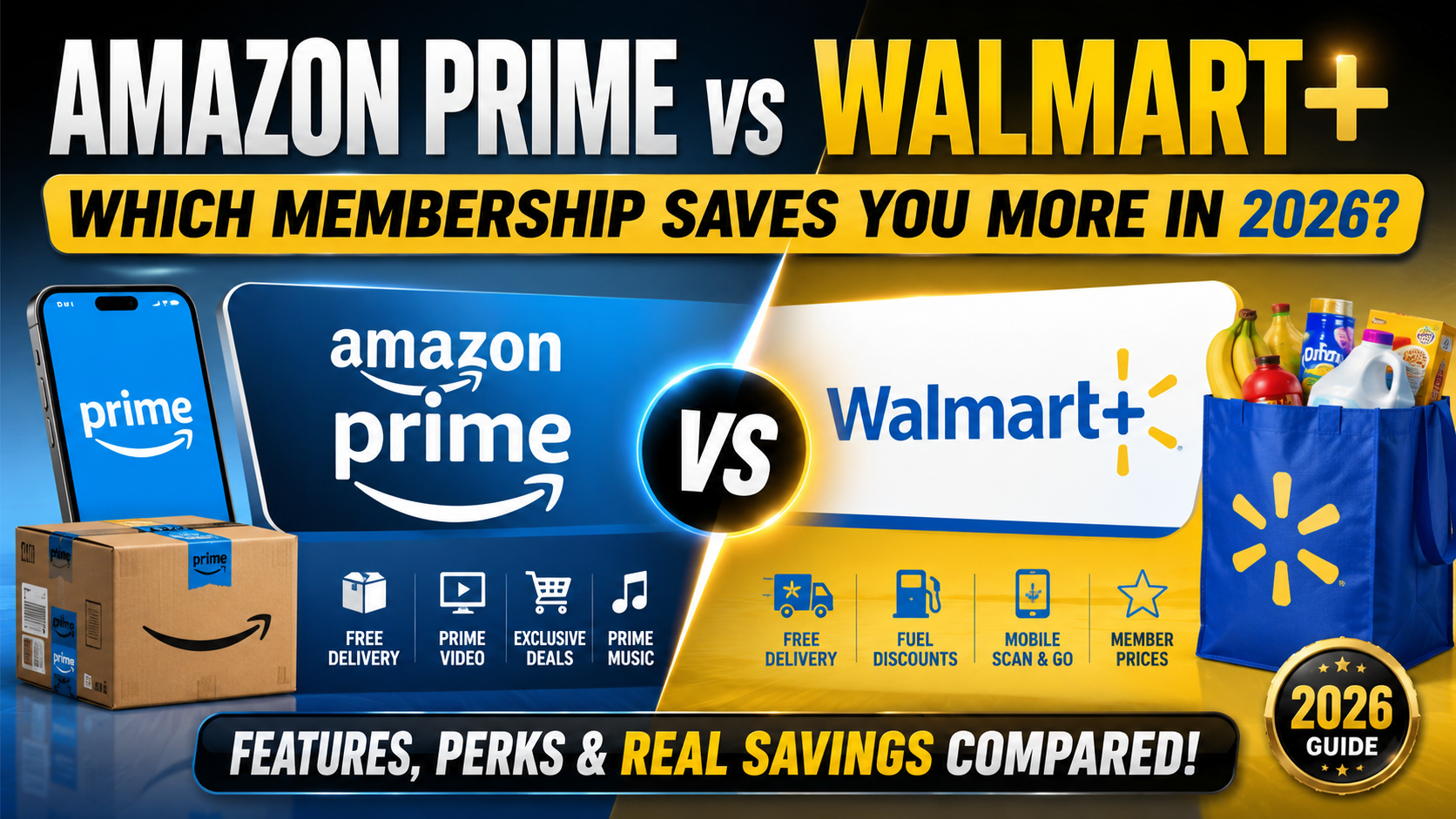
Subscription fatigue is real, and with both Amazon Prime and Walmart+ now priced close together, the question isn’t just “which has faster shipping” anymore — it’s which membership delivers more actual financial value once you account for every perk, discount, and hidden cost. Both programs have expanded well beyond free shipping into fuel discounts, streaming bundles, prescription savings, and cashback-style perks, making a direct comparison more complicated — and more important — than it used to be.
This breakdown compares Amazon Prime and Walmart+ specifically through a financial lens: what each membership actually costs after accounting for real usage, which perks translate into measurable savings, and which one makes more sense depending on your shopping habits. If you’re deciding between the two, or wondering whether you need both, this is the comparison that matters.
Base Membership Cost and What You’re Actually Paying For
Both memberships sit in a similar annual price range, but the value proposition diverges quickly once you look past shipping. Amazon Prime bundles in Prime Video, Prime Music, Prime Reading, and periodic exclusive shopping events like Prime Day, positioning itself as much as an entertainment subscription as a shopping perk. Walmart+ leans harder into everyday savings — fuel discounts at Walmart and Murphy USA/Sam’s Club stations, member prescription pricing, and early access to deals — positioning itself more explicitly as a cost-of-living savings tool than an entertainment bundle.
This distinction matters more than it might first appear: if you don’t watch Prime Video or use Amazon’s other entertainment perks, you’re effectively paying for value you never redeem, which changes the real cost-per-benefit calculation significantly in Walmart+’s favor for budget-focused shoppers.
Where Amazon Prime Wins Financially
Prime’s biggest financial edge comes from its sheer breadth — free shipping across a massive product catalog, frequent lightning deals, Prime Day and Black Friday exclusive pricing, and a genuinely valuable entertainment bundle that would cost more if purchased separately as standalone streaming subscriptions. For households that already shop heavily on Amazon and use its content ecosystem, the membership often pays for itself several times over.
Prime’s Strongest Financial Perks
- Prime Video and Music bundled in – Comparable standalone streaming subscriptions would cost more separately
- Prime Day and exclusive member deals – Some of the steepest discounts of the year are member-exclusive
- Same-day and next-day shipping on huge product selection – Reduces impulse in-store spending and time cost
- Amazon Fresh/Whole Foods discounts – Additional grocery savings layered on top of the core membership
- Prime Reading and Kindle deals – Added value for frequent readers, though a smaller factor for most households
Where Walmart+ Wins Financially
Walmart+’s value proposition is more directly tied to recurring, practical household spending — fuel savings that compound with regular driving, member pricing on prescriptions that can meaningfully offset healthcare costs, and free delivery from Walmart stores that competes directly with grocery delivery services that otherwise charge separately. For budget-conscious households prioritizing everyday cost reduction over entertainment bundling, Walmart+ often delivers a higher effective return relative to its membership cost.
Walmart+’s Strongest Financial Perks
- Fuel discounts at partner gas stations – Per-gallon savings that compound significantly for frequent drivers
- Free grocery delivery from Walmart stores – Comparable third-party grocery delivery often charges separate membership and delivery fees
- Member prescription pricing – Meaningful savings for households managing regular prescription costs
- Early access to deals and Walmart+ Week – Comparable to Prime Day but with a stronger everyday-essentials focus
- Included Walmart+ Assist option – Discounted membership rate for qualifying government assistance program participants
Side-by-Side Financial Comparison
| Perk Category | Amazon Prime | Walmart+ |
|---|---|---|
| Free shipping/delivery | Yes, vast catalog | Yes, Walmart stores + select delivery |
| Entertainment bundle | Extensive (Video, Music, Reading) | None |
| Fuel discounts | No | Yes |
| Prescription savings | Limited | Yes, member pricing |
| Grocery delivery | Amazon Fresh/Whole Foods | Walmart stores |
| Best for | Entertainment + broad shopping households | Everyday essentials + driving households |
| Approximate annual cost | Comparable to Walmart+ | Comparable to Prime |
How to Decide Which One Actually Saves You Money
- Calculate your realistic entertainment usage – If you’d otherwise pay for Prime Video separately, that alone can justify Prime’s cost
- Estimate your annual fuel spending – Frequent drivers often see Walmart+’s fuel discount outweigh Prime’s shipping perks
- Factor in prescription costs – Households with regular prescriptions may find Walmart+’s savings compound significantly over a year
- Consider where you already shop most – Membership perks only generate savings if they match your existing spending habits, not your aspirational ones
- Don’t rule out having both temporarily – Many households run both during peak sales events (Prime Day and Walmart+ Week) and cancel one afterward
Tracking Your Actual Usage Before Renewal
The most reliable way to determine which membership is worth keeping is to actually track your usage over a full billing cycle rather than relying on assumptions about your habits. Keep a simple running log for a month of every delivery, streaming session, fuel fill-up, or discount you used through each membership, then estimate what those same purchases or services would have cost without the membership. This exercise routinely reveals that households overestimate how much they use certain perks — streaming content they rarely watch, or delivery services they use less than they think — while underestimating others, like fuel savings that compound quietly over dozens of fill-ups a year. Doing this once before your next renewal date gives you an actual data-driven answer rather than a guess based on how valuable the membership felt when you first signed up.
Frequently Asked Questions
Can I get a free trial for either membership before committing?
Both programs have historically offered free trial periods, though exact lengths and availability change periodically and aren’t guaranteed to be offered indefinitely. Checking each program’s current sign-up page for an active trial offer before committing to a full annual membership is worth the two minutes it takes.
Is it worth paying for both memberships at once?
For some households, yes — particularly around major sales events like Prime Day and Walmart+ Week, when the potential savings from each platform’s exclusive deals can outweigh the cost of a short-term membership. Many people sign up for one during its peak sales event, capture the savings, then cancel before the next billing cycle if ongoing dual membership doesn’t otherwise pencil out.
Do student or family discounts apply to either membership?
Both programs have offered discounted rates for qualifying groups at various points, including student pricing and family or multi-account sharing options. Terms and eligibility change, so checking current program pages rather than relying on outdated information is important before assuming a discount applies to your situation.
Which membership is better if I mostly shop online rather than in physical stores? Amazon Prime generally has the edge for pure online shopping breadth given its larger third-party marketplace and product catalog, while Walmart+ perks are more closely tied to in-store and Walmart-specific online purchases. If your shopping is heavily concentrated on Amazon already, Prime’s broader catalog advantage becomes more relevant to your specific savings calculation.
Final Thoughts
There’s no universal winner between Amazon Prime and Walmart+ — the better financial choice depends entirely on whether your household spending leans toward broad online shopping and entertainment, or everyday essentials like fuel, groceries, and prescriptions. Run the actual numbers based on your last few months of spending in each category before committing to a full year of either membership, and don’t assume last year’s decision is still the right one as both programs continue adding and adjusting perks.
Which membership has actually saved you more money this year — Prime or Walmart+? Or are you running both? Share your real numbers in the comments.
Discover more from The Economy
Subscribe to get the latest posts sent to your email.

The Global South: Debt, Climate Finance and Investment in 2026

Energy Security Is the New Economic Security

Can Global Tourism Survive Geopolitical Shocks?

Global Maritime Hegemony: How China Secured Over 81% of All New Shipbuilding Orders

The Coming Battle Over AI, Jobs and Wages

Why Developing Economies Face a Sharper Inflation Problem

The New Geography of Trade: Are Supply Chains Coming Home?

Is AI Saving Global Growth or Creating the Next Bubble?

Global Banking Trends 2026: Digital Banks, AI and Compliance

Gold vs US Dollar vs Bitcoin in 2026: Inflation Hedge Compared

How Global Interest Rates Affect Savings, Loans and Investments

How to Invest During High Inflation: A Global Guide

Best Global Stocks to Watch in 2026: Four Sectors to Research

Pakistan’s 2027 Growth Strategy: Exports, AI, Energy and Jobs

Crude Oil & Petroleum Market Analysis: OPEC+ Decisions and Price Forecasts

World’s Largest Economies: Ranking the Top Global Powers

Silver Price Today: Why the Xi-Trump AI Standoff Is Fueling a Safe-Haven Rally

Top US Convenience Store Chains: Store Counts, EV Charging, and Sales Trends

Algorithmic Dogfights: Why the U.S. and China Must Establish Rules of Engagement for Autonomous Air Power

Who Is Shivon Zilis? The Neuralink Executive at the Center of the Musk–OpenAI Trial

Corporate America Faces a New Debt Test as US Borrowing Costs Surge

Global Economic Outlook 2026: 7 Forces Reshaping Markets, Trade and Business

Business Insurance: What Coverage You Actually Need and What It Costs in 2026

Social Security Extra $90 Deposit: Who Qualifies for the October 2026 Medicare Rebate?

US 10-Year Yield Hits 5.24%: What the Historic Bond Market Sell off Means for Mortgages and Investors

Gold Falls 3.7% as Yields Surge: Is Gold Still a Safe Haven in 2026?

MAS Allocates S$1.45 Billion to Five Asset Managers in Third EQDP Batch: Total Deployment Reaches S$5.4 Billion

Stock Market Today: Dow, S&P 500, and Nasdaq Retreat as Treasury Yields
-

 Markets & Finance10 months ago
Top 15 Stocks for Investment in 2026 in PSX: Your Complete Guide to Pakistan’s Best Investment Opportunities
-

 Analysis8 months ago
Johor’s Investment Boom: The Hidden Costs Behind Malaysia’s Most Ambitious Economic Surge
-

 Analysis8 months ago
Top 10 Stocks for Investment in PSX for Quick Returns in 2026
-

 Banks9 months ago
Best Investments in Pakistan 2026: Top 10 Low-Price Shares and Long-Term Picks for the PSX
-

 Analysis9 months ago
Brazil’s Rare Earth Race: US, EU, and China Compete for Critical Minerals as Tensions Rise
-

 Investment10 months ago
Top 10 Mutual Fund Managers in Pakistan for Investment in 2026: A Comprehensive Guide for Optimal Returns
-

 Global Economy10 months ago
15 Most Lucrative Sectors for Investment in Pakistan: A 2025 Data-Driven Analysis
-

 Global Economy10 months ago
Pakistan’s Export Goldmine: 10 Game-Changing Markets Where Pakistani Businesses Are Winning Big in 2025